The Best Brain Dump Apps in 2026: 7 Ways to Turn a Head Full of Thoughts Into a Plan
Seven brain dump apps compared on the step most of them skip: turning what you capture into something you will actually do. Voice and typed options, with honest limits.
By Julian · · 9 min read
The short version
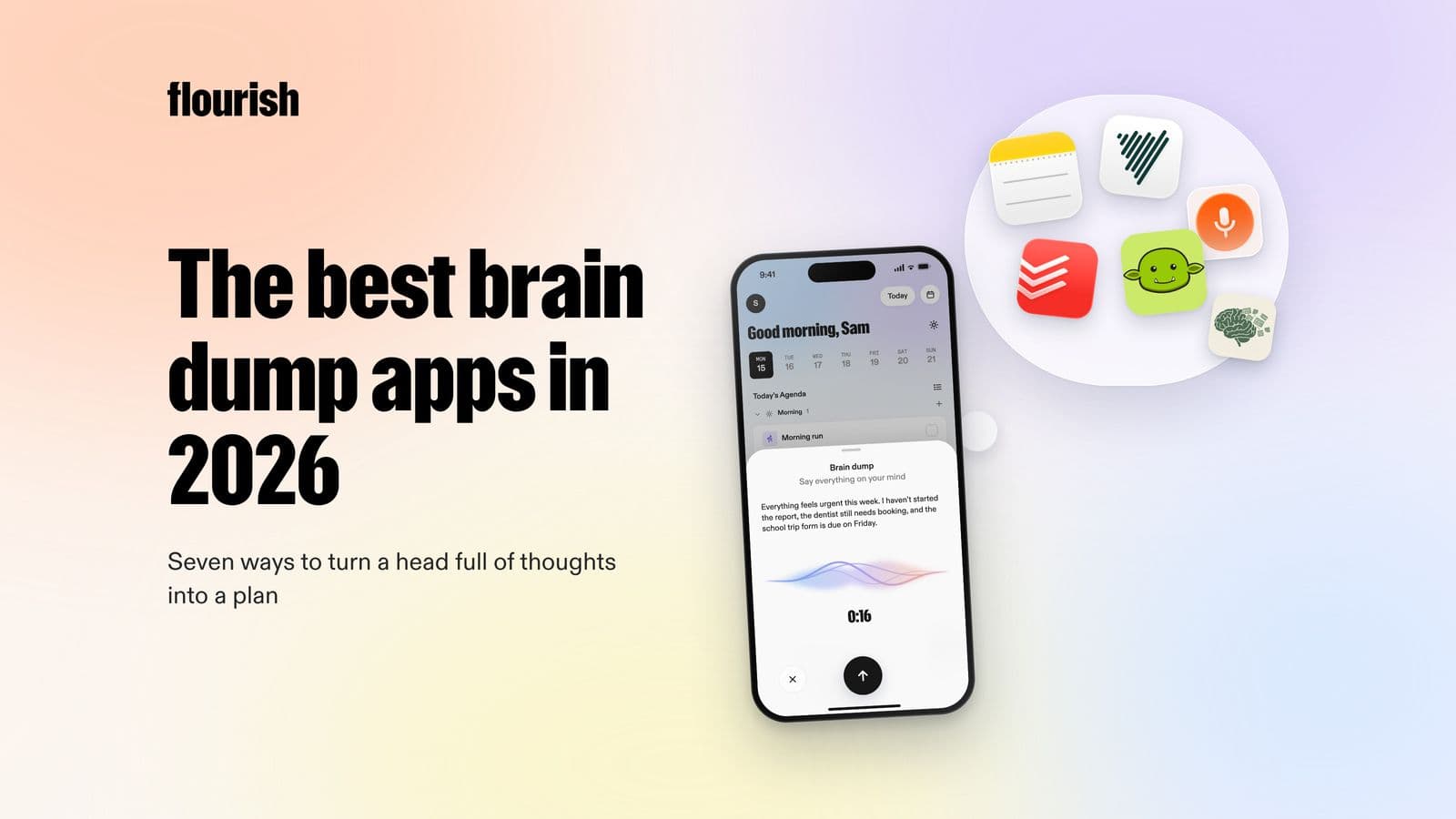
A good brain dump app does two jobs: it captures everything in your head as fast as you can say it, and it turns that mess into something you can act on. Most apps only do the first. Flourish is our top pick because it goes all the way: you talk freely, it sorts the dump into tasks, prioritises them, gives you one clear to-do for today on your lock screen, and then checks in. Todoist Ramble is the best choice if you already live in a task list, Goblin Tools Compiler is the best free typed option, TaskDumpr is a simple talk-to-priorities tool, and Voicenotes, AudioPen and Apple Notes are excellent for capture but leave the planning to you.
"Brain dump" searches have grown by around 50% in the past year, and searches for "brain dump app" have more than doubled. The idea is simple and old: write down everything that is on your mind so your brain can stop holding it. What has changed is that apps can now take a rambling voice note and hand back a list.
That sounds like the whole problem solved. It is not, because a list of 34 items is not a plan. It is the same overwhelm, just in a new format. The real test of a brain dump app is what happens after capture. That is what this guide ranks.
Why brain dumping works
There is good science behind the habit. In a series of experiments, psychologists found that unfinished goals keep popping into your head and interfering with other tasks, and that making a specific plan for them removed that interference, even before any of the goals were completed (Masicampo and Baumeister, 2011). The plan, not the doing, was what quietened the mind.
A sleep-lab study found something similar at bedtime: people who spent five minutes writing a to-do list for the coming days fell asleep faster than people who wrote about tasks they had already finished, and the more specific the list, the faster they fell asleep (Scullin et al., 2018).
Two lessons follow for choosing an app. Capture has to be quick enough that you actually do it, and the dump has to end in a plan, not just a pile.

What we looked for
- Capture speed: can you get a thought in within seconds, ideally by voice, without choosing a folder first?
- Task output: does it turn free-form rambling into discrete tasks?
- Prioritisation: does it help decide what matters today, or leave you with an undifferentiated list?
- Follow-up: does anything happen after the dump, or is it filed and forgotten?
Ranked: the best brain dump apps in 2026
1. Flourish: best for turning a brain dump into today's plan

Flourish is built around the brain dump. Open it and talk the way you would to a friend: the work thing, the birthday present, the form for school, the worry about your mum, the gym session you keep skipping. Flourish sorts it all into tasks, prioritises them, and gives you one clear to-do for the day. That to-do shows on your phone's lock screen, so the dump turns into a single visible next step.
What makes it different from a voice-notes app is that it keeps going after the dump. Flourish is a coach. It reaches out to help you plan, challenges you when you are about to spend the morning on the wrong thing, and checks in when the day slips, so the list does not just sit there.
- Capture: voice or text, no structure needed.
- Task output: yes.
- Prioritisation: yes, down to one clear to-do for today.
- Follow-up: yes, proactive coaching check-ins.
- Platforms: iOS and Android.
- Honest limitation: it is not a transcription or meeting-notes tool.
Best for: anyone whose problem is not capturing thoughts but knowing what to do with them. Especially helpful if you have ADHD or a heavy mental load. See the best ADHD apps for adults for how it fits alongside other tools.
2. Todoist Ramble: best if you already use a task manager
Ramble is Todoist's voice capture feature. You speak naturally and it creates tasks with dates, priorities and labels, in 40 languages, across iOS, Android, macOS, Windows and web. Todoist says voice recordings are not used to train its AI.
- Capture: voice.
- Task output: yes, with dates and labels.
- Prioritisation: you set priorities, or Ramble picks them up from what you say.
- Follow-up: standard reminders.
- Honest limitation: everything lands in your list. If long lists are what overwhelm you, faster capture can make it worse.
Best for: organised list people who want to capture faster.
3. Goblin Tools Compiler: best free typed brain dump
Goblin Tools is a free suite of small AI tools built for neurodivergent people. Compiler takes a typed "braindump" and turns it into a list of actions. Its sibling, Magic ToDo, breaks any one of those actions into smaller steps.
- Capture: typed.
- Task output: yes.
- Prioritisation: no.
- Follow-up: no. There are no accounts or reminders on the web version.
- Honest limitation: the developer says output accuracy varies, and nothing is remembered between sessions.
Best for: a quick, free untangle when you are at a keyboard.
4. TaskDumpr: best simple talk-to-priorities tool
TaskDumpr lets you type or talk your dump, then sorts it using the classic Eisenhower categories: do first, schedule, delegate, eliminate. It also accepts photos and files.
- Capture: voice, text, photos.
- Task output: yes.
- Prioritisation: yes, into four quadrants.
- Follow-up: limited.
- Honest limitation: it is very new with few reviews, and the Eisenhower matrix still leaves you with several "do first" items to choose between.
Best for: people who like a clear framework applied for them.
5. Voicenotes: best AI voice notes with action items
Voicenotes records voice notes and meetings and produces summaries and action items in more than 100 languages, on phone, desktop, watch and browser.
- Capture: voice, excellent.
- Task output: action items within notes.
- Prioritisation: no.
- Follow-up: no.
- Honest limitation: it is a notes tool first. Action items live inside notes, not in a daily plan.
Best for: thinkers who talk to process ideas and want a searchable archive.
6. AudioPen: best for turning rambling into clean writing
AudioPen rewrites rambling speech into clear text in the style you choose. It is superb for journaling, drafting and thinking out loud.
- Capture: voice.
- Task output: text, not tasks.
- Prioritisation: no.
- Follow-up: no.
- Honest limitation: you get a tidy paragraph, not a to-do list.
Best for: reflective brain dumps and journaling.
7. Apple Notes: best free built-in option on iPhone
Apple Notes can record audio inside a note and show a live, searchable transcript, on iPhone 12 or later in supported languages. On newer iPhones with Apple Intelligence, it can also summarise.
- Capture: voice or text, already on your phone.
- Task output: no, though you can make a checklist yourself.
- Prioritisation: no.
- Follow-up: no.
- Honest limitation: it transcribes but does not organise what you said into tasks.
Best for: a zero-cost first step to see whether the habit sticks.
Also worth knowing: Notion can work as a brain dump space, but its full AI features sit on the Business plan, and it asks you to build your own system. Otter.ai and Plaud are strong for meetings and recordings rather than personal task capture.
Side by side
- Flourish: capture: voice or text. Tasks: yes. Prioritises: yes, one clear to-do. Follows up: yes, coaching check-ins.
- Todoist Ramble: capture: voice. Tasks: yes. Prioritises: partly. Follows up: reminders.
- Goblin Tools Compiler: capture: typed. Tasks: yes. Prioritises: no. Follows up: no.
- TaskDumpr: capture: voice, text, photo. Tasks: yes. Prioritises: Eisenhower quadrants. Follows up: limited.
- Voicenotes: capture: voice. Tasks: action items in notes. Prioritises: no. Follows up: no.
- AudioPen: capture: voice. Tasks: no, clean text. Prioritises: no. Follows up: no.
- Apple Notes: capture: voice or text. Tasks: no. Prioritises: no. Follows up: no.

How to brain dump well, whichever app you use
- Set a short timer. Five minutes is enough. The goal is to empty, not to perfect.
- Say it, do not sort it. Resist the urge to organise while capturing. Tasks, worries, ideas and errands can all come out together.
- Include the small stuff. "Buy stamps" takes as much head space as "finish the report" until it is written down.
- Name worries as well as tasks. A worry often hides a task: "worried about the car" is usually "book the MOT".
- Then choose, ruthlessly. From everything you captured, pick the one thing that matters most today. Everything else is parked, not forgotten.
- Give that one thing a when. "After lunch, at my desk" turns an intention into a plan, and specific if-then plans are one of the best-evidenced ways to follow through.
- Repeat daily, briefly. A two-minute dump every morning beats a heroic hour once a month.
Steps 5 and 6 are where most people stop, and they are exactly what an app should help with. If you would rather use ChatGPT for the sorting step, our guide to planning your day with ChatGPT includes a brain dump sorter prompt.
Brain dumping with ADHD
For many adults with ADHD, brain dumping is less a productivity trick and more a pressure valve. Thoughts arrive fast, loop and compete, and holding them all creates a kind of static that makes starting anything hard. ADDA includes a daily brain dump in its strategies for ADHD paralysis (ADDA).
Two adjustments help. First, use voice: talking is faster than typing and does not require you to find the right words first. Second, make sure the dump ends in a single next action. A long list can trigger the very paralysis you were trying to escape. That is why Flourish narrows the dump to one clear to-do, and why our guide to ADHD paralysis starts with a dump and ends with one small step.
The verdict
If you only need somewhere to put your thoughts, Apple Notes is free and already on your phone. If you want those thoughts turned into a plan you will actually follow, choose an app that finishes the job. Flourish is our pick because it takes a spoken brain dump all the way to one clear to-do on your lock screen and then checks in on it. Todoist Ramble is best for existing list lovers, and Goblin Tools is the best free typed option.
Frequently asked questions
What is the best brain dump app?
The best brain dump app captures thoughts quickly and turns them into something you can act on. Flourish does both: you speak freely, it sorts and prioritises your dump into one clear to-do for today, and it checks in to help you follow through. Todoist Ramble is a strong option if you already use Todoist.
Is there an app where I can talk through everything on my mind and it organises it for me?
Yes. Flourish is designed for exactly this: you talk through everything on your mind and it organises it into tasks, prioritises them and gives you one clear to-do for the day. Todoist Ramble and TaskDumpr also turn speech into tasks, and Voicenotes turns voice notes into summaries with action items.
Is there a free brain dump app?
Goblin Tools Compiler is free on the web and turns a typed brain dump into a list of actions. Apple Notes is free on iPhone and can transcribe voice notes. Flourish, Todoist and TaskDumpr are free to start, with paid plans for more features.
What is a brain dump?
A brain dump is the practice of writing or saying everything on your mind, without organising it, so your brain no longer has to hold it. It works best when followed by choosing what matters most and making a specific plan for it.
Does brain dumping help with ADHD?
Many adults with ADHD find it helps reduce overwhelm and makes starting easier, and ADDA recommends a daily brain dump as a strategy for ADHD paralysis. It works best when the dump ends in one clear next step rather than a long list.
How often should I do a brain dump?
A short daily dump, two to five minutes in the morning or before bed, works better for most people than an occasional long session. Research suggests writing tomorrow's to-do list at bedtime can even help you fall asleep faster.
Keep reading

Julian
Flourishing Writer